
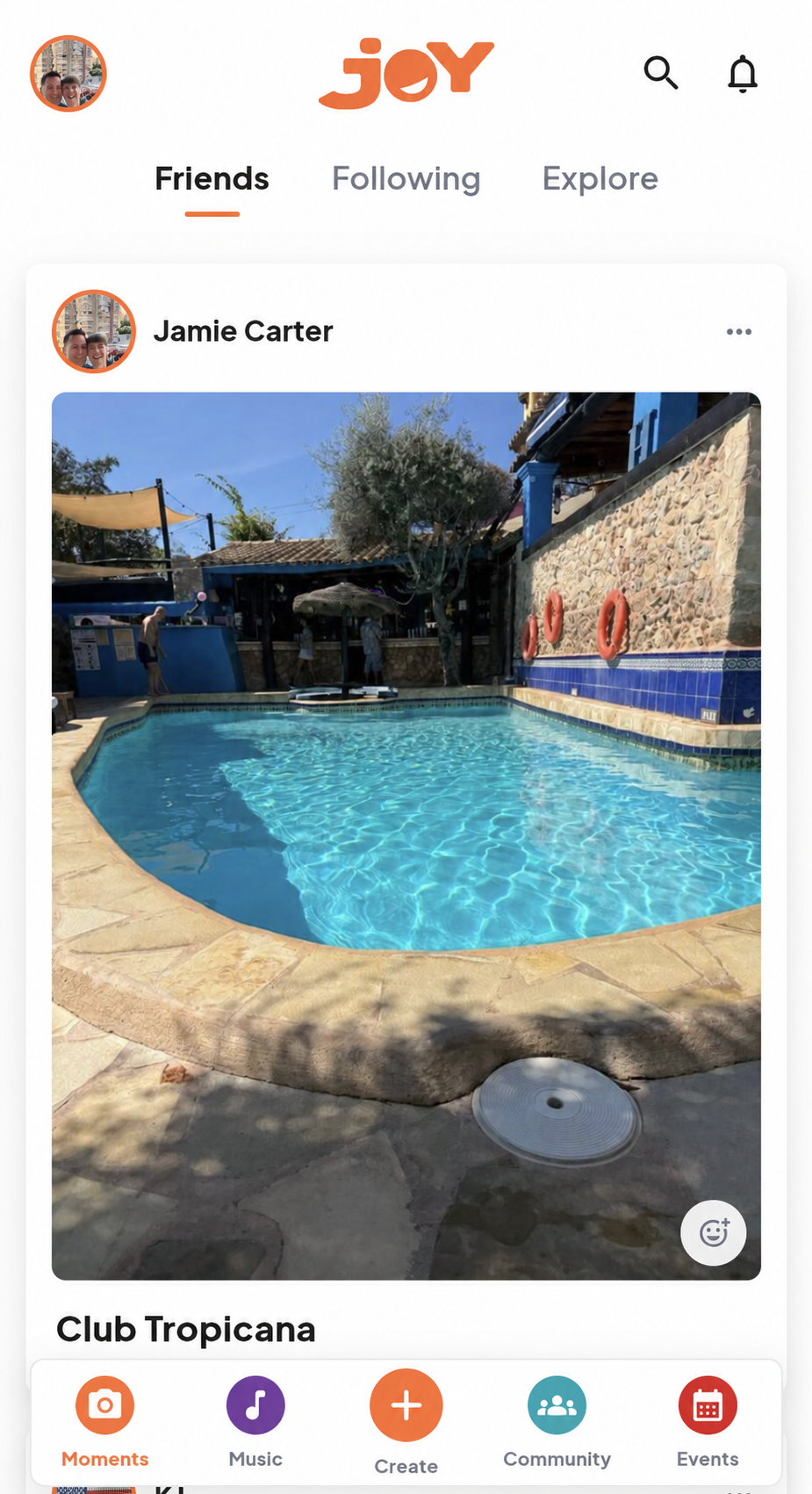

Share what matters
Add a photograph, give it a title and, if you want, tell the story behind it.
JOY MOMENTS
Capture the MOMENTS you want to remember, add the story behind them, then share them with the Friends or private spaces where they belong.

Inside MOMENTS
Stay connected with the people you know, follow the artists and places you love, and discover something new, all through a simple, calm and visual experience.
A different kind of sharing
Your profile is a home for the MOMENTS you’ve shared and the ones shared with you that you choose to keep, without follower counts or popularity getting in the way of what really matters.
Add a photograph, give it a title and, if you want, tell the story behind it.
Share your Moment with Friends, selected Friends or within an Event you’re part of.
Save the MOMENTS that mean something to you, while keeping the privacy chosen when they were shared.
Saving a Moment doesn’t change who can see it or turn it into something public.
Keep exploring
One account across JOY
Use JOY on your phone or computer. Sign in with the same account and your profile, MOMENTS and connections stay with you.
Open JOY, then add it to your home screen to keep the app on your phone.
iPhone: Open JOY in Safari, open the Share menu and choose Add to Home Screen.
Android: Open JOY in Chrome, open the browser menu and choose Install app or Add to Home screen. The wording may vary.
You can also use JOY directly in your browser.